OPTIMALITY MOBILE

Keep the plan moving from your phone.

See what you need to do, update completed work, capture photos and meeting transcripts, and check in with Opti. Every update stays connected to the work it affects.

Get it on Google PlayDownload on the App Store

An Optimality account is required.

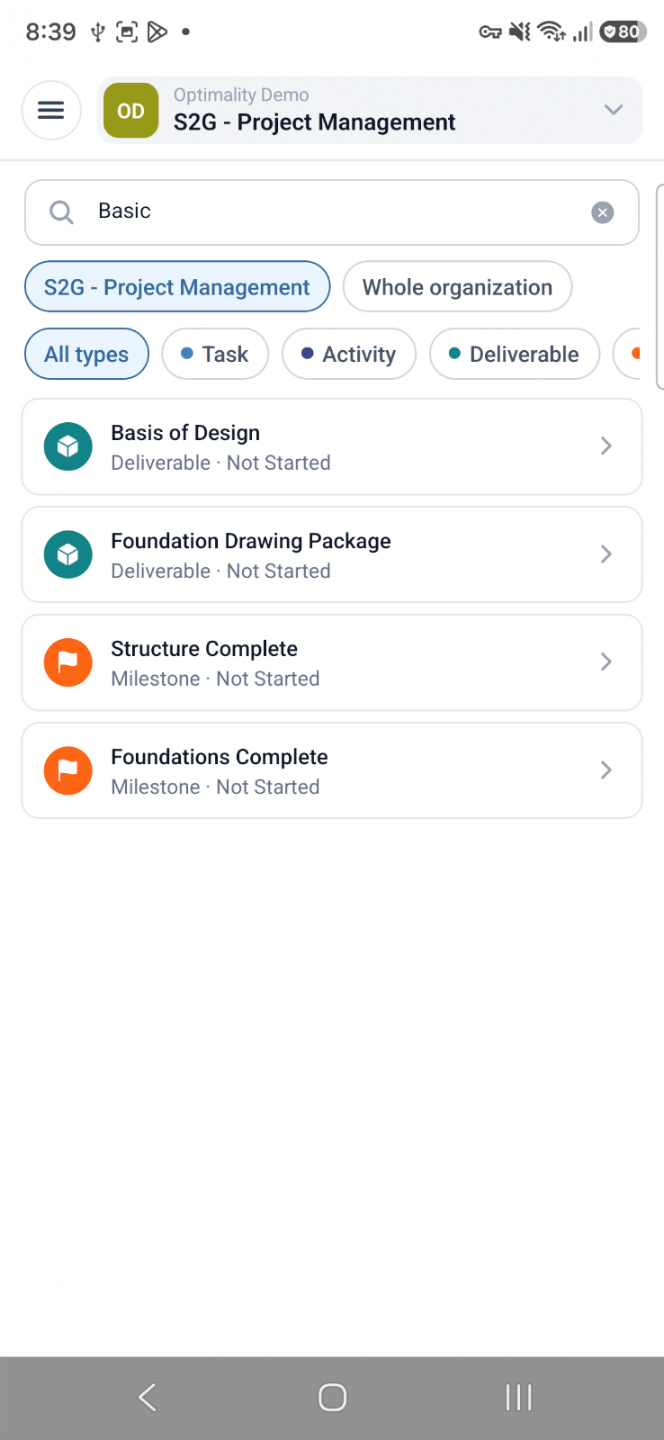
Optimality mobile work list showing deliverables and milestones
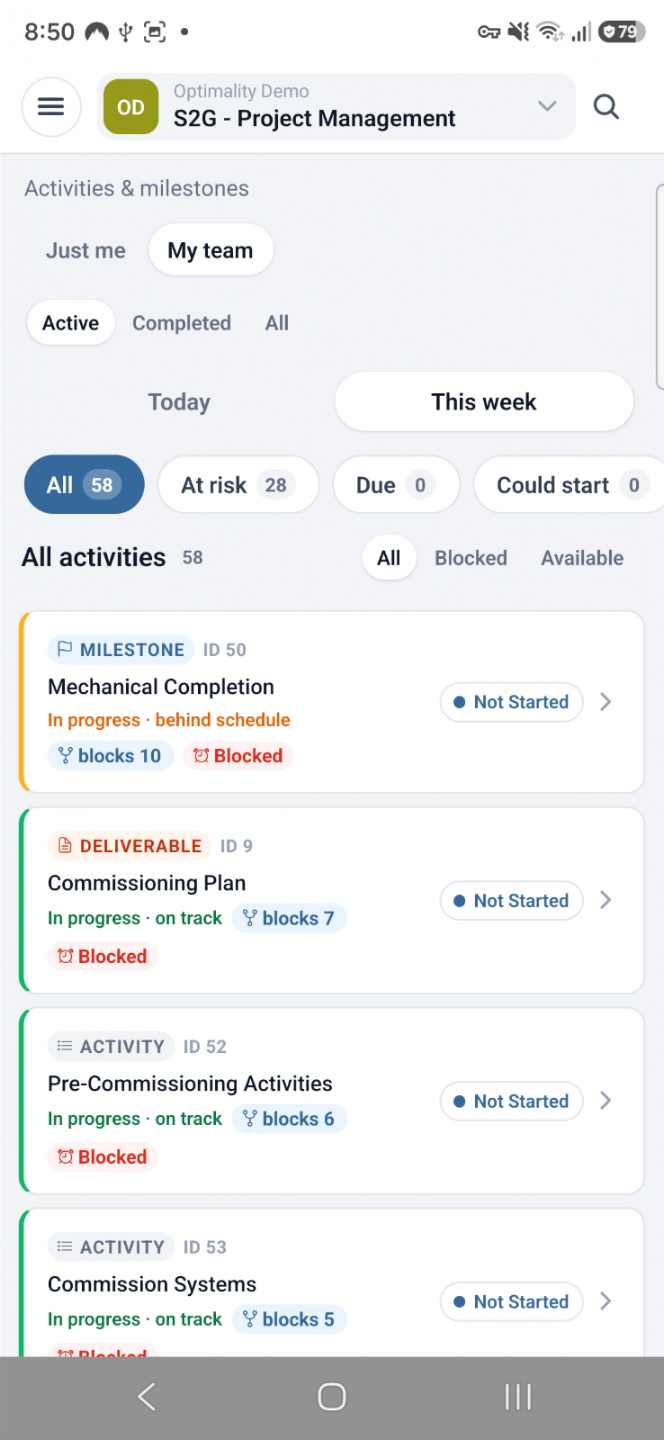
Optimality mobile view showing activities, milestones and status
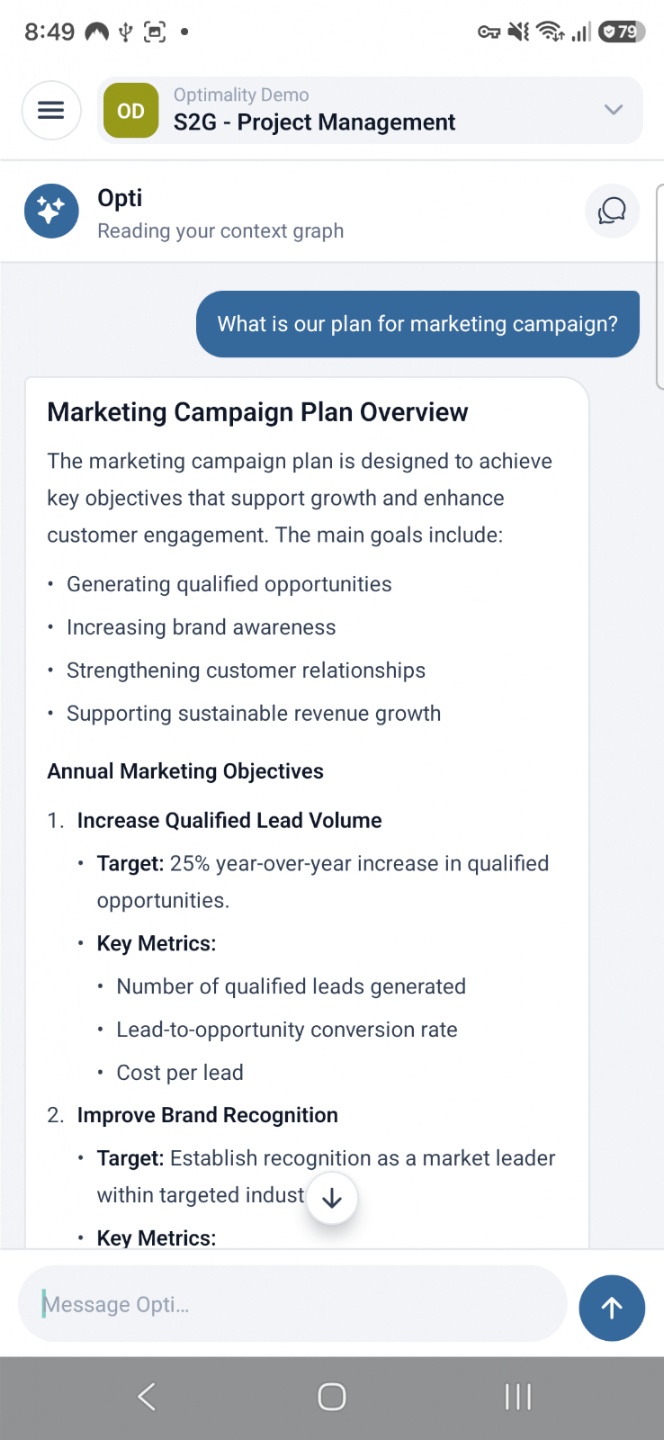
Ask Opti on mobile

YOUR WORKING DAY, CONNECTED

Know what matters. Capture what changed. Keep the plan current.

Optimality Mobile connects the work in front of you with the plan behind it so no more waiting to get back to a desk and having more admin to do.....

Optimality mobile work list
01

Start with what needs attention

See what is due, blocked, at risk or ready to move - across your work and your team.

02

Update progress while it is fresh

Mark work as completed, add context, and keep status current where the work happens.

03

Ask Opti what to do next

Check what's changed, what needs your attention, and how today’s work affects the wider plan.

CAPTURE WORK AS IT HAPPENS

Turn everyday updates into connected operational context.

Record the evidence, conversations and decisions that normally disappear between meetings and status reports.

PhotosTake one or choose from your library, then file it against an endeavour.
Meeting transcriptsRecord informal or weekly status meetings. The transcript is kept and the audio deleted.
Comments and @mentionsKeep discussion connected to activities, deliverables and documents.
Speak to OptiAdd context or ask a question without stopping to type.
Optimality mobile activities and milestones
Ask Opti on mobile

CHECK IN WITH OPTI

Ask the plan - not another disconnected chatbot.

Opti reads the connected context of your work from across your team so its answers reflect activities, dependencies, commitments and status.

“What changed, what is blocked and what should I focus on today to keep us on plan?”

KEEP THE NETWORK ALIVE

Create new work without losing the connections.

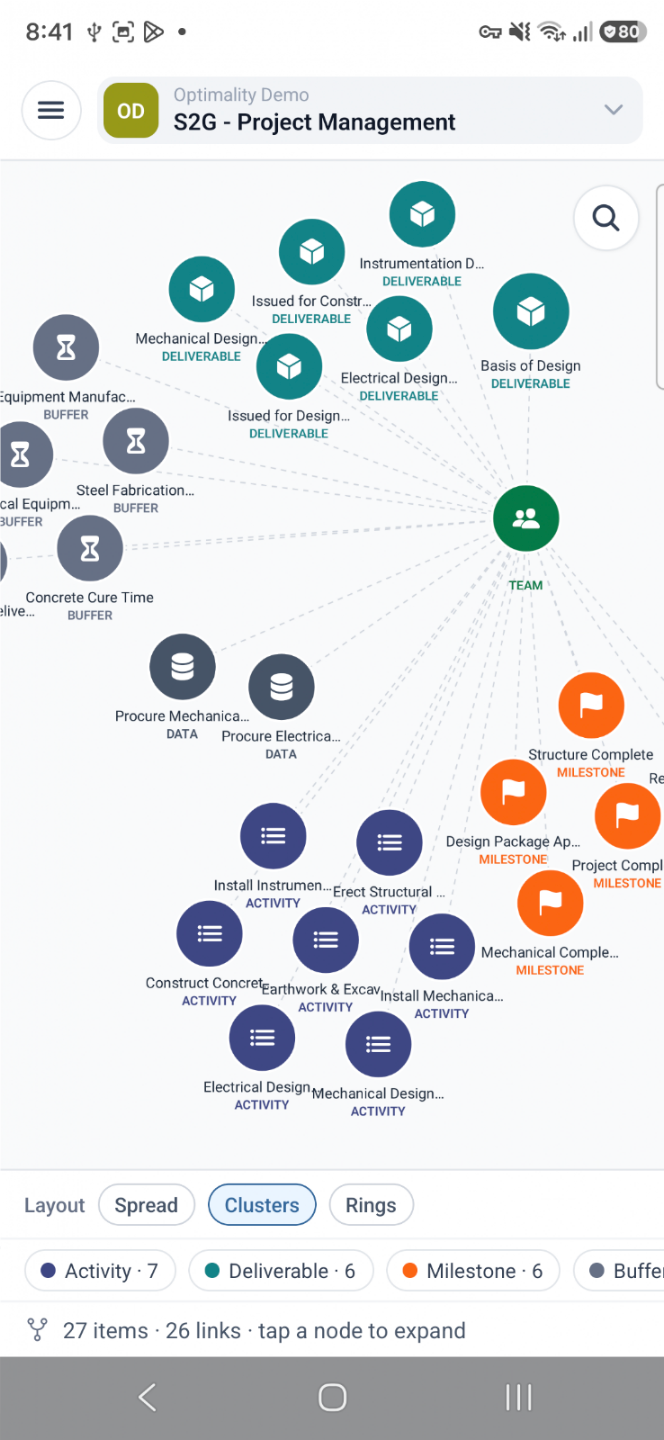
Create activities, milestones and deliverables from your phone, then add predecessors so the plan keeps reflecting how the work is really moving forward on site.

ActivitiesMilestonesDeliverablesPredecessorsTeamsEvidence
Optimality connected work cluster view

Questions about Optimality Mobile

Can I record status meetings in Optimality?

Yes. Record informal updates or weekly status meetings on your phone. Optimality keeps the transcript and deletes the audio. Then updates the activities in your Execution Network so you know the true impact.

Does a recording change the plan automatically?

No. Review what was captured and decide what should be updated in the connected plan.

Can I add photos from the field?

Yes. Take a photo or choose one from your library and file it against an activity to document and record the event.

Do I need an Optimality account?

Yes. The mobile app uses your existing Optimality workspace, work context and permissions. You can delete your account from Settings.

OPTIMALITY MOBILE

Keep the plan close to the work.

Download Optimality on your phone, or create your workspace on the web.

Get it on Google PlayDownload on the App Store