
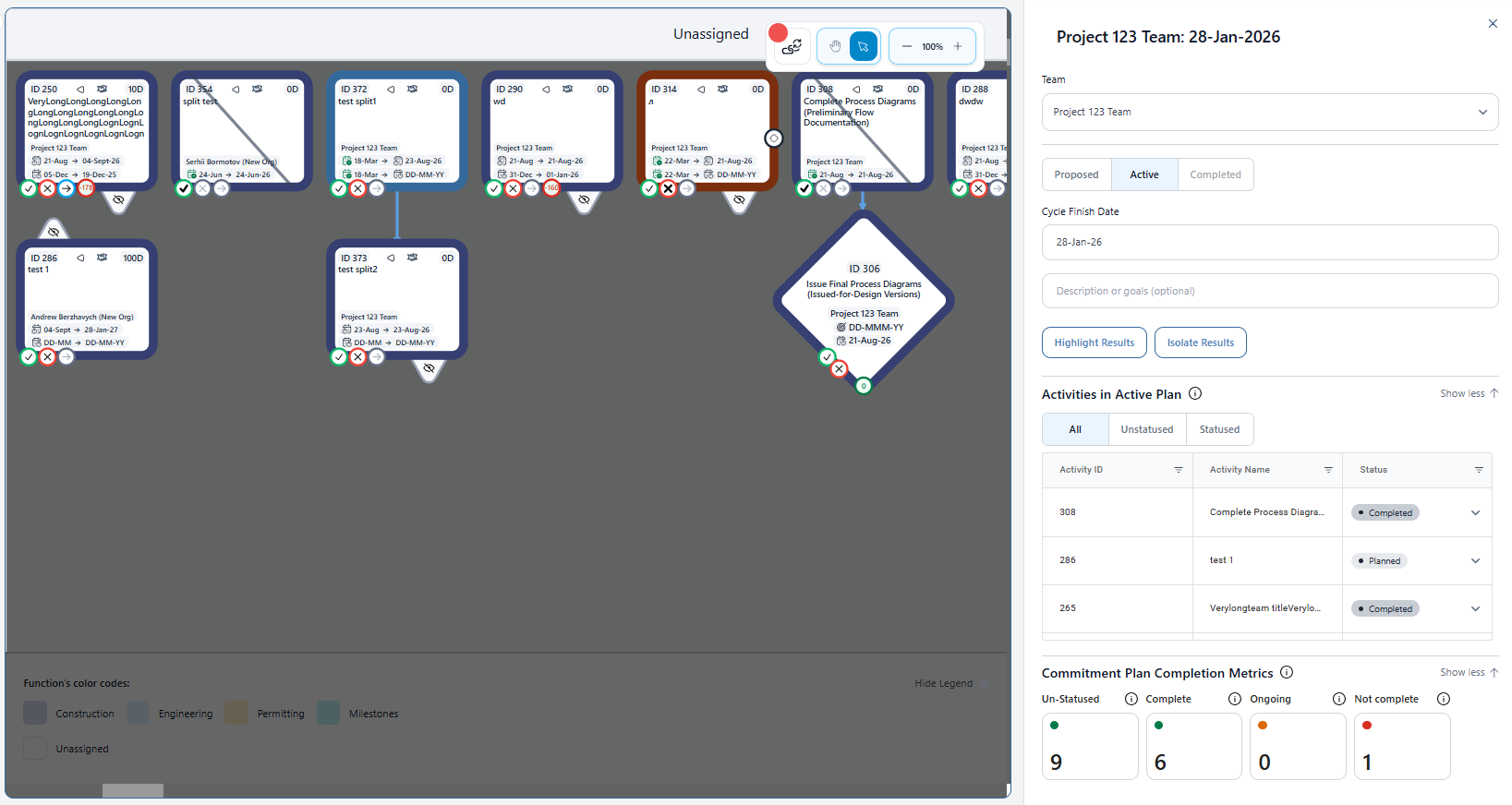
See the work visually
Lay out activities and relationships so teams can understand sequence, parallel work and dependencies without trying to interpret thousands of disconnected schedule rows.
Turnaround Planning & Execution
A major turnaround can take a year or more to prepare for and only weeks to execute. Once the unit comes down, every delay matters. Thousands of activities, materials, permits, isolations, crews, handoffs and decisions have to come together safely in a tightly constrained execution window.
Optimality connects the detailed work behind the schedule so teams can build an executable plan, validate readiness before shutdown and respond quickly when conditions change in the field.
Keep the control schedule in P6. Manage detailed readiness and execution in Optimality.
READY FOR EXECUTION
Turnaround readiness depends on everything that has to be true for the work to move when planned. Materials. Access. Permits. Isolations. Engineering. Crews. Equipment. Decisions. Predecessor work. And the handoffs between teams.
Optimality connects those conditions directly to the work, making it easier to see what is truly ready, what is constrained and where attention is needed before the execution window begins.
FROM PLANNING INTO EXECUTION
Optimality does not replace the scheduling system, turnaround methodology, project controls, or the people accountable for execution. It creates a shared coordination layer around them.
Across the turnaround
Before the turnaround
Map the work, clarify ownership, connect handoffs and make the constraints behind schedule activities visible while there is time to act.
As execution approaches
Bring open decisions, material needs, access, permits, contractor interfaces and commitments into the same working view.
During execution
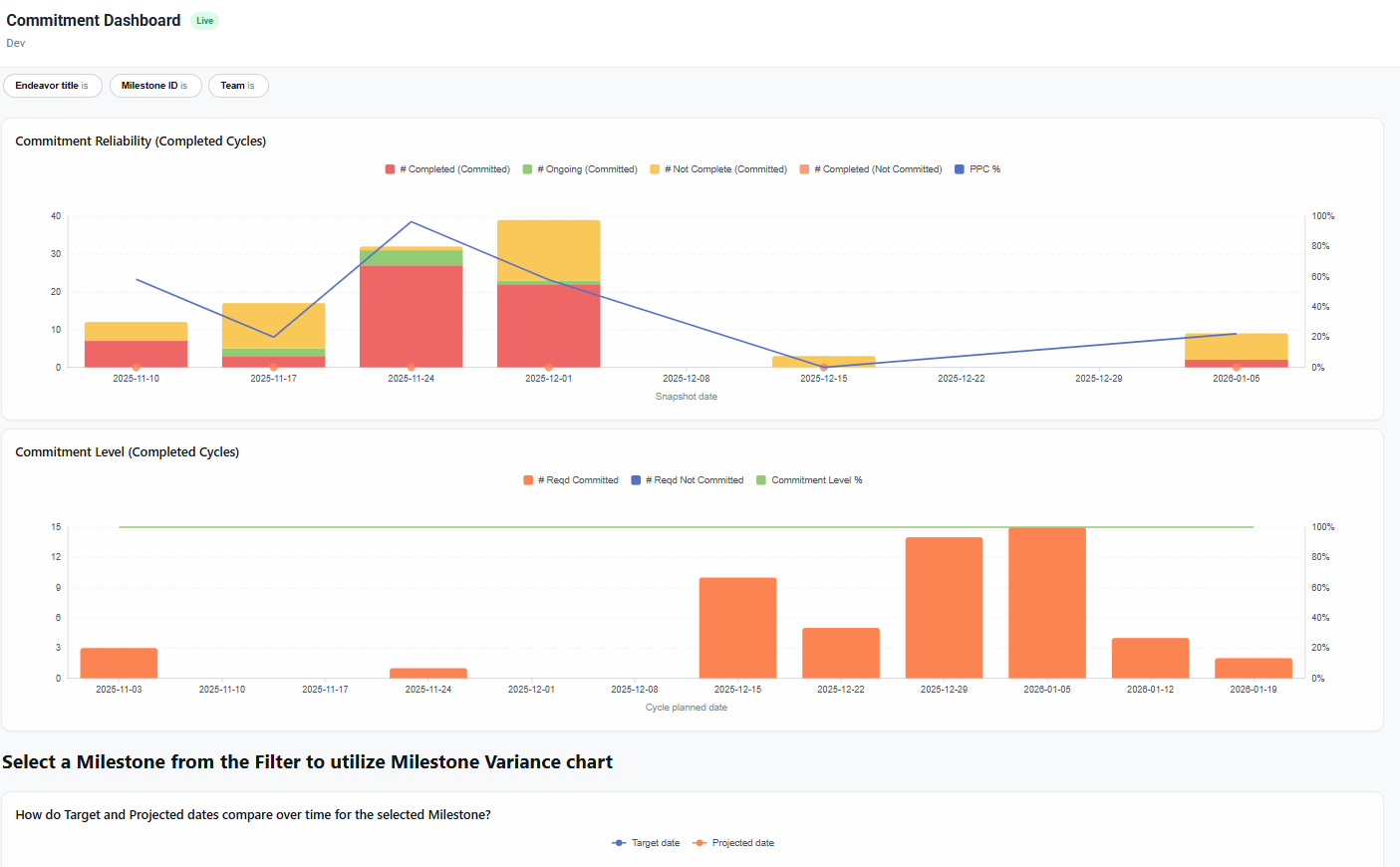
As conditions change, quickly understand what moved, what it affects, what is now constrained and where the team should focus next.
WHEN REALITY CHANGES THE PLAN
Even the most thoroughly planned turnaround changes once execution begins. Equipment is opened. Field conditions differ from assumptions. Work takes longer or finishes sooner. New scope appears. Access changes. A critical handoff slips.The problem is not that change happens.
The problem is losing time while teams determine what the change means.
Optimality keeps the work and its relationships connected, making it easier to see affected activities, emerging constraints, downstream impacts and changing priorities while there is still time to respond.
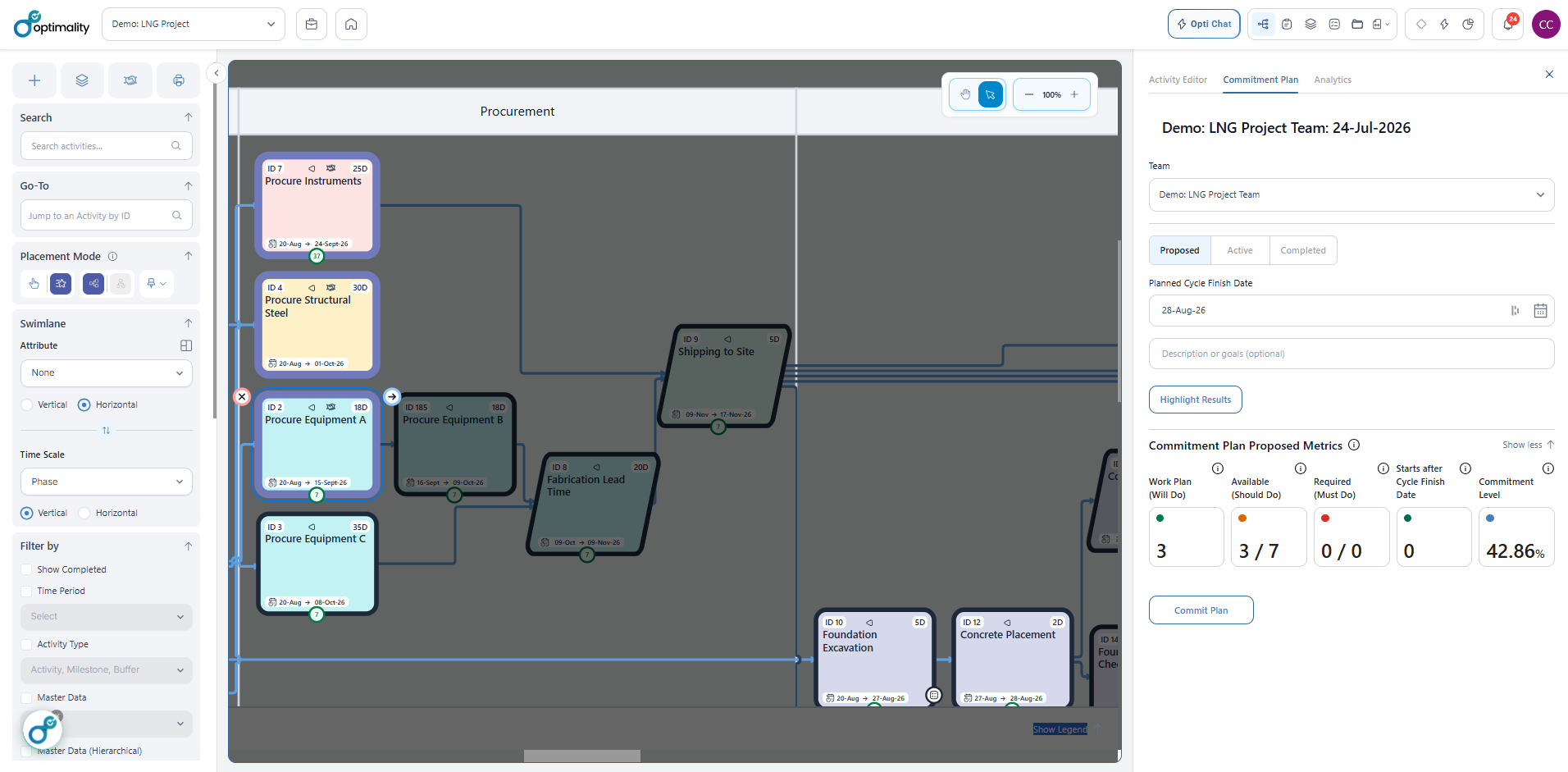
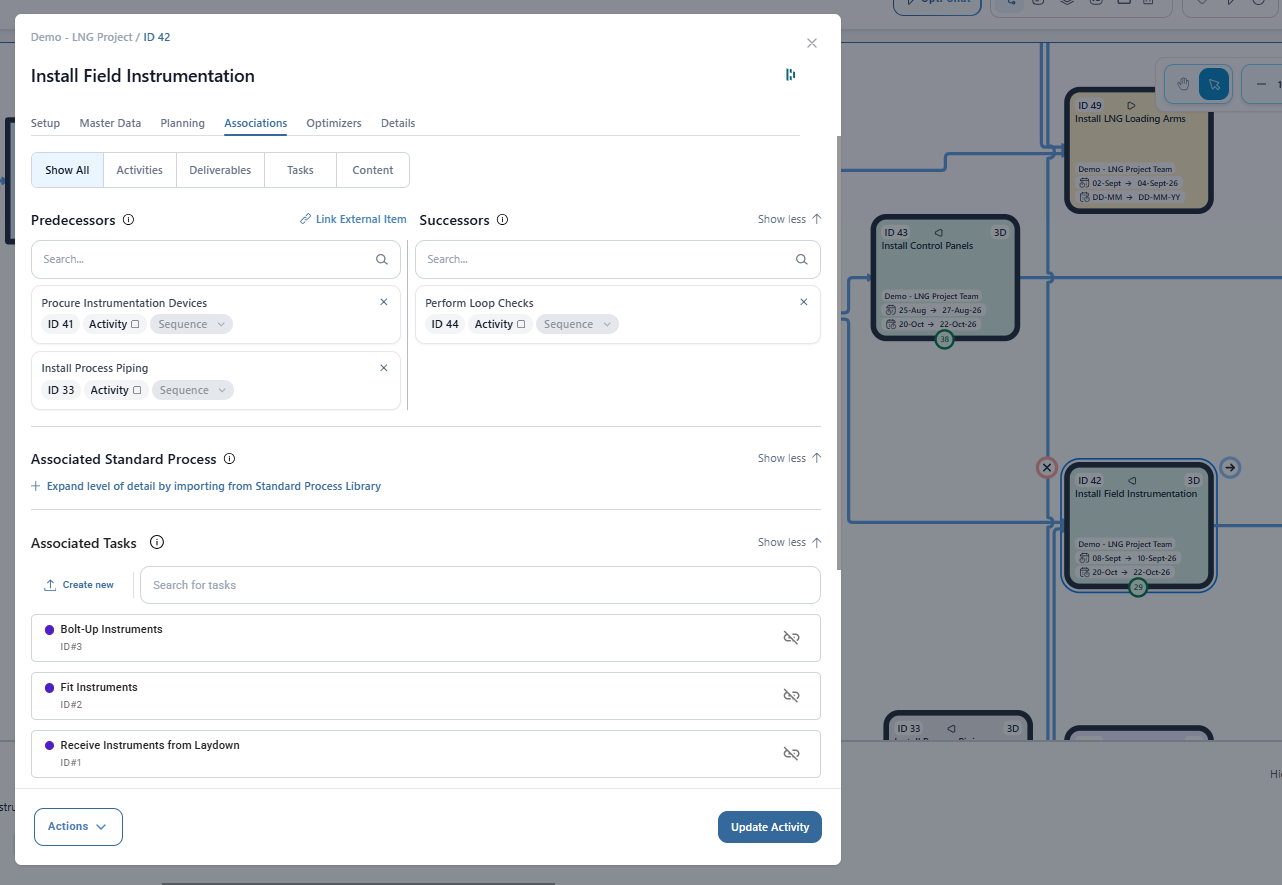
FlowSpan — Powered by Optimality
FlowSpan turns connected activities into a visual working environment for planning and execution. Teams can see sequence, dependencies, constraints, handoffs and readiness together instead of reconstructing the execution picture across schedules, meetings and separate systems.
The same view built during planning stays useful as the turnaround moves into the field.
The Optimality Execution Network
Turnaround activities do not move independently. A delayed isolation can affect access. A discovered condition can create new engineering, material and inspection requirements. One late handoff can change the priority of work across multiple crews.
Optimality keeps the relationships around the work connected so teams can understand impact quickly and make informed adjustments without rebuilding the picture from scratch.
Context-aware assistance
AI is more useful when it understands how the work fits together. Because Optimality connects activities with constraints, decisions, commitments, dependencies and supporting information, AI can evaluate issues in the context of execution rather than looking at each piece in isolation. Use it to surface emerging risks, find relevant information, identify affected work and help teams understand where attention may be needed.
People remain accountable for turnaround decisions and execution. Optimality gives them better context to make those decisions faster.
Who it is for
Answers for turnaround teams
Turnaround planning software helps teams organize and coordinate work for a major shutdown, outage or turnaround. It may support schedules, work packages, resources, readiness, constraints, handoffs or field execution. Optimality focuses on collaborative planning and coordination around the team's existing schedule, process and controls.
No. Primavera P6 and other scheduling tools remain the system for high-level schedule activities, baselines, and earned value. Optimality works alongside them to keep activities, handoffs, constraints, decisions, commitments and readiness visible to the wider team.
Planning defines the scope, sequence, resources, constraints and preparation needed to do the work. Execution is the controlled delivery of that work during the shutdown window. Unresolved constraints and unclear handoffs in planning become delays and risk during execution.
Yes. The same coordination needs appear in industrial shutdowns, TAR events and planned outages. Teams can configure the platform around their terminology, process and stage gates while keeping readiness and execution context connected.
No. Experienced people manage the turnaround. Software can make work, information and commitments easier to see and coordinate, but accountability, technical judgment and execution decisions remain with the team.
Yes. Optimality supports the method a team already uses. Organizations can configure visual plans, information and working views around their own governance, readiness reviews, work processes and execution model.
AI can help retrieve connected information, summarize changes, and surface potential issues for review. Its value depends on reliable work context. People must validate its output and remain accountable for decisions and execution.
Turnaround Planning & Execution
If your team already has the methodology, schedule and expertise but needs a better way to coordinate the work around them, let's look at how Optimality can support the plan.